
From the show
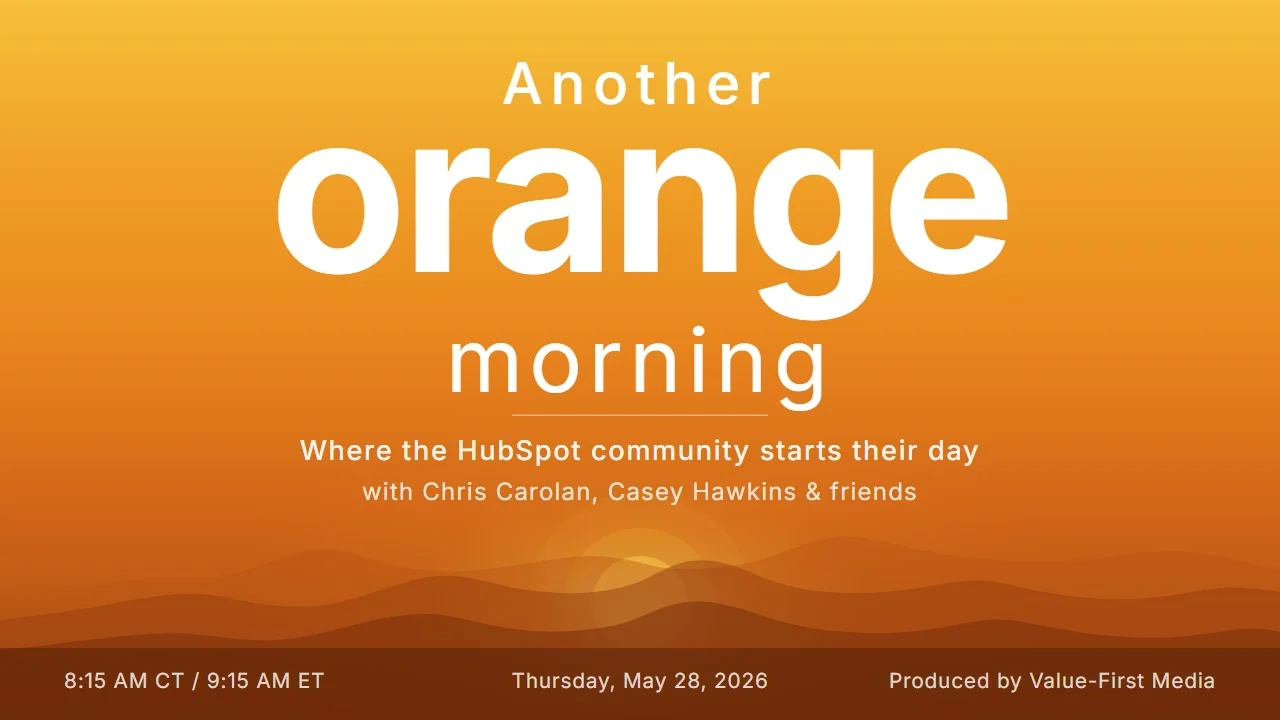
Another Orange Morning Recap: May 28, 2026
Thursday's show ran with a different lineup. Casey is on vacation, so Chris Carolan held down the orange morning with Trisha Merriam in the friend chair, and the two of them spent the hour on a batch of updates that all point at the same idea: HubSpot is becoming a platform you manage by talking to it.
Here is what they got into: a Breeze portal audit experiment that is changing how client decks get made, the Tasks app growing into a real project tool, the rebuilt CRM index page, the HubSpot Agent CLI and why managing HubSpot via agents is about to stop being optional, a quote template migration tool with a real catch, and smarter spam detection that turned into a bigger conversation about whether forms are even the right front door anymore.
Breeze Is Eating the Audit Workflow
The cold open picked up a thread from the previous day: a full portal audit being run through Breeze, fed with discovery documents, documented pain points, and call transcripts, then left to work through the same worksheet process a consultant would normally do by hand to find the priority areas. Three quarters of the way through, the verdict on air was that it is doing a phenomenal job. The part that changes the workflow: instead of exporting findings to build a client deck, the plan is to keep everything in Breeze and have it generate the deck that gets shared with the client, using the new visual capabilities.
That connected to the recent critical thinking update. Trust in Breeze Assistant used to end at contacts, companies, and deals, because the moment you asked about services, projects, or custom pipelines, it would answer as if everything were a deal pipeline. An assistant that can now tell you what it cannot access is an assistant you can finally build on. The takeaway from both threads: the conversational layer inside HubSpot has crossed the threshold from novelty to working surface.
The Tasks App Grew Up
The Tasks app refresh, now in public beta across all hubs and tiers, brings tasks in line with every other CRM object: multiple views, richer filtering, and more flexible ways to organize work in a dedicated app. For anyone who knows project management needs to happen but does not want to buy and maintain another tool, this is the release that makes HubSpot tasks a real option.
The field test came straight from client work shared on the show: a client running structured project instances in HubSpot, one arm of the business with a plan of more than a hundred and twenty tasks, another around forty five, the same plan repeated for every company that moves through the process. The pain point flagged is associating tasks with projects after the fact, once a task already exists. The conversation landed on the deeper question for anyone building this way: which object should hold what, from high-level services down to everyday tasks, and how much information lives in each place. That structure matters for the humans reading it and increasingly for the AI processing transcripts into task management.
Why it matters: Tasks behaving differently from the rest of the CRM was never just an annoyance. It was a reason AI assistants got confused and a reason teams kept project work outside HubSpot. Consistency across objects is what makes the whole portal manageable, by people and by agents.
For more details: Tasks App Refresh public beta.
The Index Page Rollout Is Here
The Streamlined Index Page and Board View update showed up as a banner across every portal touched the day before, which reads like HubSpot getting ready for full rollout. The new experience brings a cleaner layout, simplified toolbar, and improved board view to the centralized home of every CRM object, with a resource center walkthrough built right into the page.
Two adjustments worth knowing before your team finds them the hard way: the save action has moved to the bottom of the panel where it is easy to miss, and adding columns now takes a few more clicks unless you get comfortable with the new in-column controls. The settings panel behind it all allows the kind of configuration people have wanted on index pages for a long time. The recommendation from the show: click the walkthrough button before you start hunting for moved furniture.
For more details: Streamlined Index Page and Board View public beta.
The Agent CLI and the Future of the Admin Job
The update the show could not believe was missing a major update tag: the HubSpot Agent CLI, now in private beta. It brings HubSpot data and intelligence into OpenAI Codex, Claude Cowork, and Claude Code, so agents can automate repetitive, bulk, and scheduled work. The example asks read like a RevOps wish list. Every Monday at eight, find high-fit contacts with no associated deal and send a prioritized cleanup list. Every morning at seven, check the pipeline for deals closing this week with no recent activity and send a summary.
One catch came from Chris after the examples were read: the second phrase of that marketer ask sounds a lot like a lead score, and Trisha echoed it. The observation opened the better question the segment kept circling. When the agent hands you a cleanup list, do you clean it up, or do you ask whether the sales team should have already been notified about those contacts? Chris framed the admin principle underneath it: do not work for the CRM, work for your sales team and your agents. Every recurring answer is a candidate for a new agent, a new handoff, a better process upstream.
Then the line of the morning: you must learn to manage HubSpot via agents. It will not be optional. That is the direction HubSpot is building, and the people who lean in now get to be the enablement person instead of the break-fix person. Chris and Nico have a three-day boot camp coming in July focused on making exactly this practical for admins and ops folks, with a free preview session in the HubSpot Community in a couple of weeks. Links in the show thread.
Why it matters: The CLI is HubSpot saying the quiet part out loud. Agents should run on HubSpot and run HubSpot, and infrastructure should be a choice agents make based on the task. For admins and RevOps teams, the job is shifting from answering questions to designing the questions worth asking on repeat.
For more details: HubSpot Agent CLI private beta.
Quote Template Migration: A Start, Maybe a Miss
The quote template migration tool, in public beta for Commerce Hub Professional and Enterprise, lets admins migrate a standard Legacy Quotes template to Commerce Hub Quotes, generating an editable template and a migration report in one flow. The question that defines the release got asked directly on air: if a template has been customized, it still cannot migrate? Correct. Standard, untouched templates only.
The verdict on the show landed somewhere between a hit and a miss. Template rework is exactly what has kept teams parked on legacy quotes, so any migration path helps. But companies that bought HubSpot as an out-of-the-box solution and then invested in customizing those templates are the ones now told their investment does not qualify. As Chris put it, when a release note says something is often time consuming and manual, what that really means is teams are not doing it at all. The segment closed on a bigger observation: quotes remain one of the most underused high-value corners of Sales Hub, brought in to track pipelines and never pushed further.
For more details: Quote Template Migration Tool public beta.
Smarter Spam Detection, and a Bigger Question About Forms
AI-powered gibberish detection now scans all text fields on form submissions, not just first name, last name, and message. The excitement for this one came with receipts from Trisha's own experience: at every company she has worked for, waves of spam hit specific campaigns, junk that a human spots instantly but that passes HubSpot's sniff test because the name fields look real while the garbage hides elsewhere. Expanding detection across every field targets exactly that pattern, and it matters most for anyone running paid traffic to forms.
Then the segment got interesting. Spam bots are basically agents now, so it is AI versus AI at the form level. From there Chris floated whether forms should even carry the weight they do, pointing toward signals, smart content, and routing experiences that adapt before a visitor ever hits a twenty-field form. Trisha pushed back with the practical reality: visitors expect a contact page, and weeding out the bad means weeding out the good with no replacement experience defined yet. Nobody resolved it, which is what made it worth hearing. The middle ground Chris sketched, regional booking links and smart content shaping who you talk to and how, is available in HubSpot today. Trisha noted that booking links get spammed too.
The segment ended with a screenshot pasted directly into Breeze Assistant, a capability that apparently arrived without announcement, with a question attached: what could a team learn from its spam submissions? The answer sketched a practice: treat spam as an ongoing quality signal, inspect which fields are being exploited, use keep-or-delete decisions as training data, and watch the trends.
For more details: AI-powered gibberish detection public beta.
The Rest of the Batch
The show pulled five updates forward, but the May 27 batch ran fifteen deep, including the new merge preview for duplicates, Customer Agent coaching opportunities, date-driven conditional property logic, and the upgraded Claude connector. Full breakdowns of all fifteen are on the updates blog: HubSpot Updates: May 27, 2026.
The Sign-Off
You probably already own the value you are looking for in HubSpot. You just need to wake up to it. We will see you next time.
Produced by Value-First Media