
Invite and re-invite Notetaker to live meetings
Monday, October 26, 2026
What it is
In addition to the other ways to add HubSpot's Notetaker bot to an active meeting, you can now invite and re-invite the Notetaker to active conversations by selecting the existing active meeting or providing a URL for the Notetaker to join immediately.
Why it matters
Previously, once a Notetaker left a conversation, because it timed out in the waiting room, someone forgot to approve the recording, or someone removed it from the meeting, there was no way to bring it back into that same conversation. Now you can re-invite the Notetaker after it has left, and add it to meetings where it hasn't been invited yet.
The Take
Palm Pilot sync back in the '90s was more reliable than getting your Google or Outlook synced into any other systems.
Joshua Oakes hit this gap himself. Of this one he said, “This is one I had encountered when I was beta testing it.” His wider read was strategic, and honest about what he does not know: “I don't have any secrets, but knowing what I know about software and note takers and whatnot, I think there's a lot of things to unwind and solve for here.” In the abstract, he said, “a directly integrated note taker with your CRM makes a lot of sense.” And he described the moment this update is for: “you're in a meeting in Zoom or Google Meet or heaven forbid Teams and your note taker isn't there, then what do you do?”
His verdict on the fix: “This gives a solution path, but it can be quite a few clicks down.” If you opt into the beta, he said, start in your calendar view in HubSpot. Then he widened the point to calendar sync, which is still part of our day-to-day lives: “Palm Pilot sync back in the '90s was more reliable than getting your Google or Outlook synced into any other systems.” He added that he still has recurring meetings from years ago showing on his calendar that he has deleted, he does not know how many times.
Chris Carolan read who gets it: Sales Hub and Service Hub, Enterprise, Professional and Starter. He said he would like to try it. His own sticking point is automating around meetings. He said that when he has tried to automate things like appointment records and meetings, “still some work to be done for me to understand the appropriate places for automation versus manual activity, which makes it hard to enable Breeze or any other agent to help with that.” He also said we take for granted how much Google Calendar and tools like it are built for any kind of change at any given time, without anyone worrying about a CRM data back end.
Watch Us Discuss This
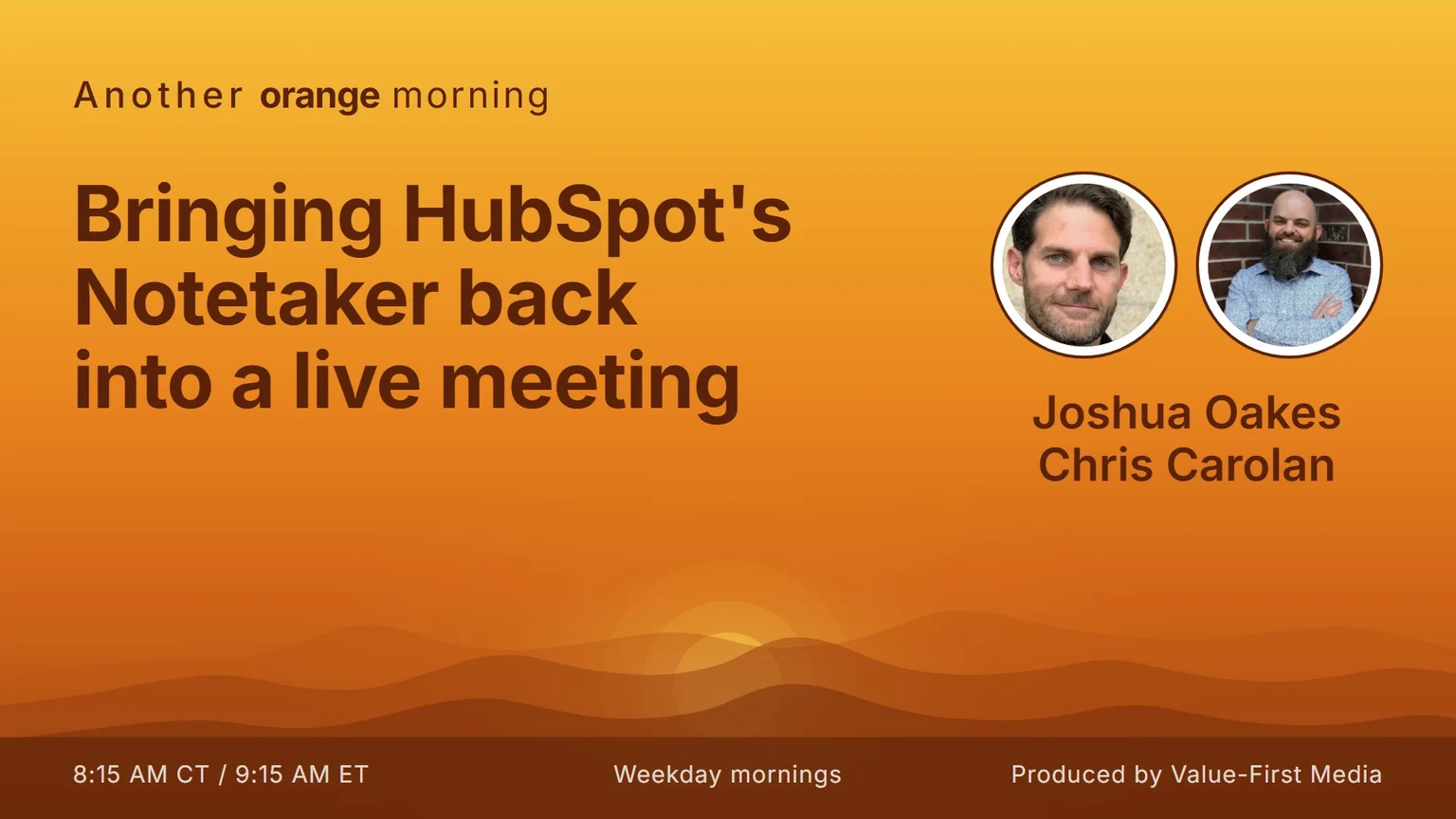
The full segment from the show, us working through this update start to finish.
FAQ
Can I bring the Notetaker back after it has left a meeting?
Yes. This update lets you re-invite the Notetaker to a meeting after it has already left, and add it to meetings where it hasn't been invited yet.
Where do I find it, and what about a meeting that isn't in HubSpot?
In an active conversation, go to Sales > Calendar, and at the top right of the calendar click More tools > Add notetaker bot to live meeting. For a meeting not stored or synced into HubSpot, provide a video conference URL along with at least one association.
When does the Notetaker leave a meeting on its own?
Per the panel, it leaves if recording permission is declined, if it waited 5 minutes in the waiting room without being admitted, if it detected 7 minutes of silence, or if it is manually removed.
Who gets it?
Sales Hub and Service Hub at Starter, Professional and Enterprise. It is in public beta.
Produced by Value-First Media