
From the show
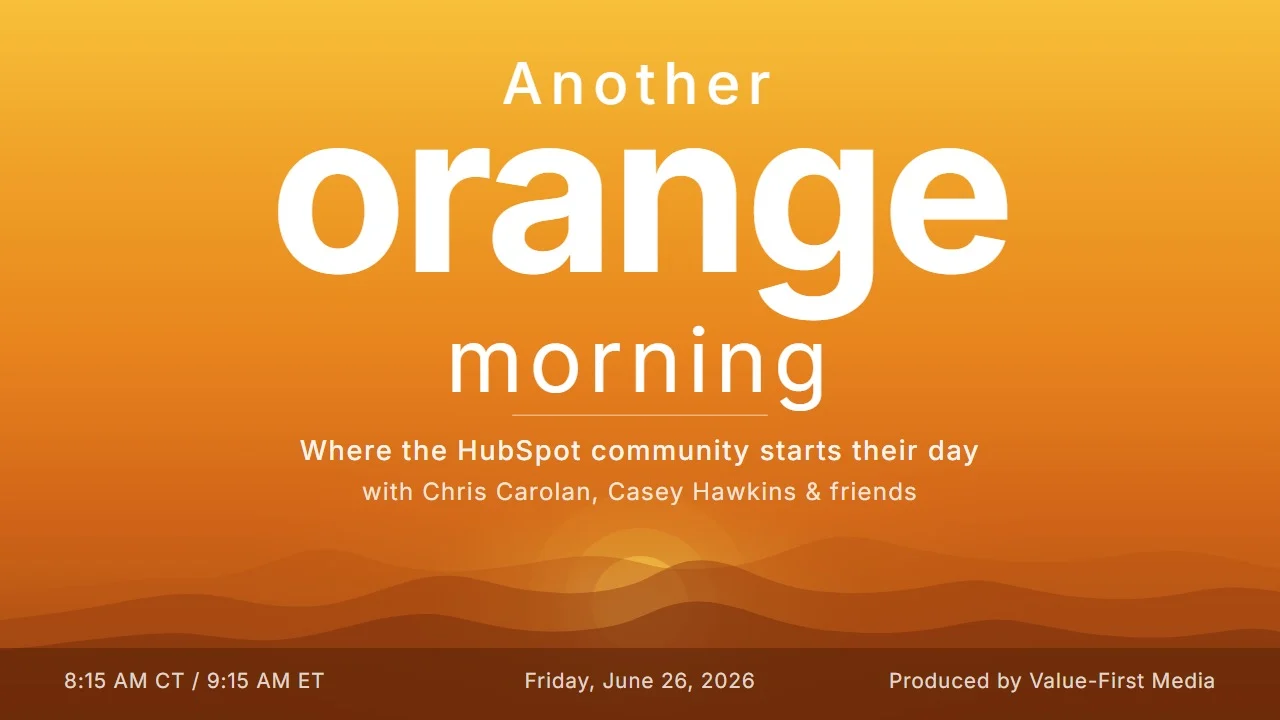
Another Orange Morning Recap: June 26, 2026
We are almost through the first half of 2026, which is the kind of thing you only notice when someone says it out loud and your stomach drops a little. The honest reaction on air was that the quarters and half-years are starting to blur, and maybe that is fine. The work happens day by day either way.
Here is what we got into: a deep dive on the new intent signals for stakeholders and pain points, a screen-share tour of the sandboxes roadmap, the redesigned product updates page and its new save tab, and an AI filing assistant that takes a first pass at your unfiled workflows.
The Update That Anchored the Morning: Intent Signals for Stakeholders and Pain Points
Chris ran the morning quiz and teed up a watery-eyed update, and Casey called it before he finished: Track Key Stakeholders and Stated Pain Points with New Intent Signals. Chris read the what, Casey read the why, and the two of them traded the demo back and forth from there. The update introduces two new unstructured engagement signals. Key Stakeholder Identified fires when a decision maker, champion, economic buyer, or influencer surfaces in a conversation. Pain Point Mention fires when a contact names a real business challenge. Both are company-level, pulled straight from deal-associated engagements like emails, notes, and call transcripts. It is live and runs on HubSpot credits.
The deep dive was where it got interesting, and where it got confusing. These signals are on by default in your CRM signal settings, which is unusual for anything that consumes credits, so we went looking for where they actually live. They land on the associated company record, not the deal, which threw the search for a minute. To get them firing, the portal has to meet the standard deal dependency criteria: at least one company you are tracking in intent signals or an active prospecting agent play, with engagements tied to a deal that is tied to a company. Once that is true, the signals show up across buyer intent, prospecting agent, list segmentation, the record timeline, workflow triggers, scoring, and the report builder.
Casey kept coming back to the part that makes or breaks this: your conversations have to be in HubSpot. She mentioned a client she met with yesterday who visibly scoffed at the idea of recording or transcribing sales calls, and that reaction is more common than the feature pages assume. Emails alone can still fire these signals, which helps, but the full picture only shows up when the transcripts are there. There was also an open question we did not fully settle on air: whether post-sale moments like an open renewal trigger these the way an open sales deal does. Worth testing rather than assuming.
One thing to put on the calendar: custom signals move from free to paid on June 30, at fifty credits per custom signal per company. They are powerful, and the pricing is reasonable for what they do, but the harder part is knowing what your team will actually do with the signal once it fires.
Why it matters: Intent data has been around for years. What is changing is how close the signal now sits to the person who can act on it, and the shift from messy comma-separated fields to distinct, filterable properties for buying roles. The vision is a world where the person talking to the customer walks in already knowing what happened since last time, including a service ticket or a budget mention from someone else on the account. The catch is the same as always: the tool is only as good as the data you are feeding it.
For more details: intent signals for key stakeholders and pain points.
A Screen-Share Tour of the Sandboxes Roadmap
Casey shared her screen for this one, and it is an easy update to find for yourself. Under Settings and then Sandboxes, there is a marketing-style icon that opens the list of assets coming to sandbox, what currently copies from production, what is in development, and a path to submit a request for an asset type you want supported. Each item links straight to its product update, and the page itself is a HubSpot form in the wild, which is a fun thing to spot.
The real story here is a familiar one. Casey made a post a couple of weeks ago about a client who came over from Salesforce, loves HubSpot, and cannot believe you cannot deploy everything through a sandbox. That gap is the whole reason this roadmap exists, and the team is asking for feedback on which asset types matter most. The honest bet is that the feedback will be some version of "all of them," but the visibility is a real step.
Why it matters: Sandbox planning is a quiet pain point for anyone running a complex portal. Knowing what is and is not testable before you start a build is what saves you the rebuild later, and pulling that information out of the documentation and into the product is the kind of small change that pays off on the next migration.
For more details: see what is on the sandboxes roadmap.
The Product Updates Page Keeps Getting More Personal
The redesigned product updates page came up next, and the timing was good because it is part of how the team is surfacing updates more naturally across the platform now. The page is in private beta, so if yours has been looking different from a colleague's, that is why. The For You view is essentially recommendations based on how your team uses HubSpot, and the navigation collapsed from nine tabs down to a few clearer ones.
What is new since this first showed up is a save tab and a set of stars on the right of the table for saving an update for later. Long-time users will recognize those stars as the old favorite function, now folded into the saved view. You can also reorder the sections in the For You view to put betas or new releases up top. These are quality-of-life changes, but they are the kind that make the page something you actually want to open.
Why it matters: When every update looks the same, the ones that matter to your portal get lost. A page that learns what your team cares about and lets you save the rest for later is a small thing that adds up across a year of releases.
For more details: the personalized product updates page private beta.
An AI Filing Assistant Takes a First Pass at Your Workflows
Chris pulled this one forward and opted into the account cleanup beta on his first ever click into that tab. The AI-powered filing assistant reads your unfiled workflows, looks at their names and descriptions, and suggests how to group them into folders, so you can review, adjust, and apply the changes in a few clicks. It is in public beta across the Enterprise tiers.
Chris has never been a workflow-folder person, mostly because workflows display as a list and the naming has always mattered more than the foldering. But there is a real reason this is showing up now. Chris talked with Ryan Ginsberg late last year, around the time Ryan was building Workflow Audit Pro, and the through-line of those conversations is the limit of every AI audit right now. It is easy to tell you your workflows are messy. It is hard to tell you exactly what to do about it, especially when the mess exists because nobody had time to manage it and still does not. This assistant takes the next step instead of just grading you, bucketing the workflows so you can start somewhere. Cleaner folders also give AI a better read on your portal, which is becoming its own reason to care.
Why it matters: Every mature portal carries a backlog of unfiled workflows that nobody wants to spend an afternoon sorting, so nobody does. Having AI propose the structure turns an ignorable chore into a few minutes of review, and it fits a pattern of account cleanup quietly absorbing the governance work admins know they should do and rarely get to.
For more details: the AI-powered filing assistant for workflows public beta.
The Rest of June 25's Updates
We pulled four forward, but there were ten on the page. The others include the inline association table for acting on associated records from a CRM index page, FileUpload and FileViewer for UI extensions, a new Rotate Record by Skill workflow action, more predictable routing between Customer Agent and skill-based routing, the ability for site visitors to resize the live chat widget, and an option to let visitors leave live chat messages when your team is unavailable. Full breakdowns of all ten updates from June 25 are on the updates blog: HubSpot Updates: June 25, 2026.
The Sign-Off
You probably already own the value you are looking for in HubSpot. You just need to wake up to it. Have a great weekend, and we will see you Monday morning.
Produced by Value-First Media