
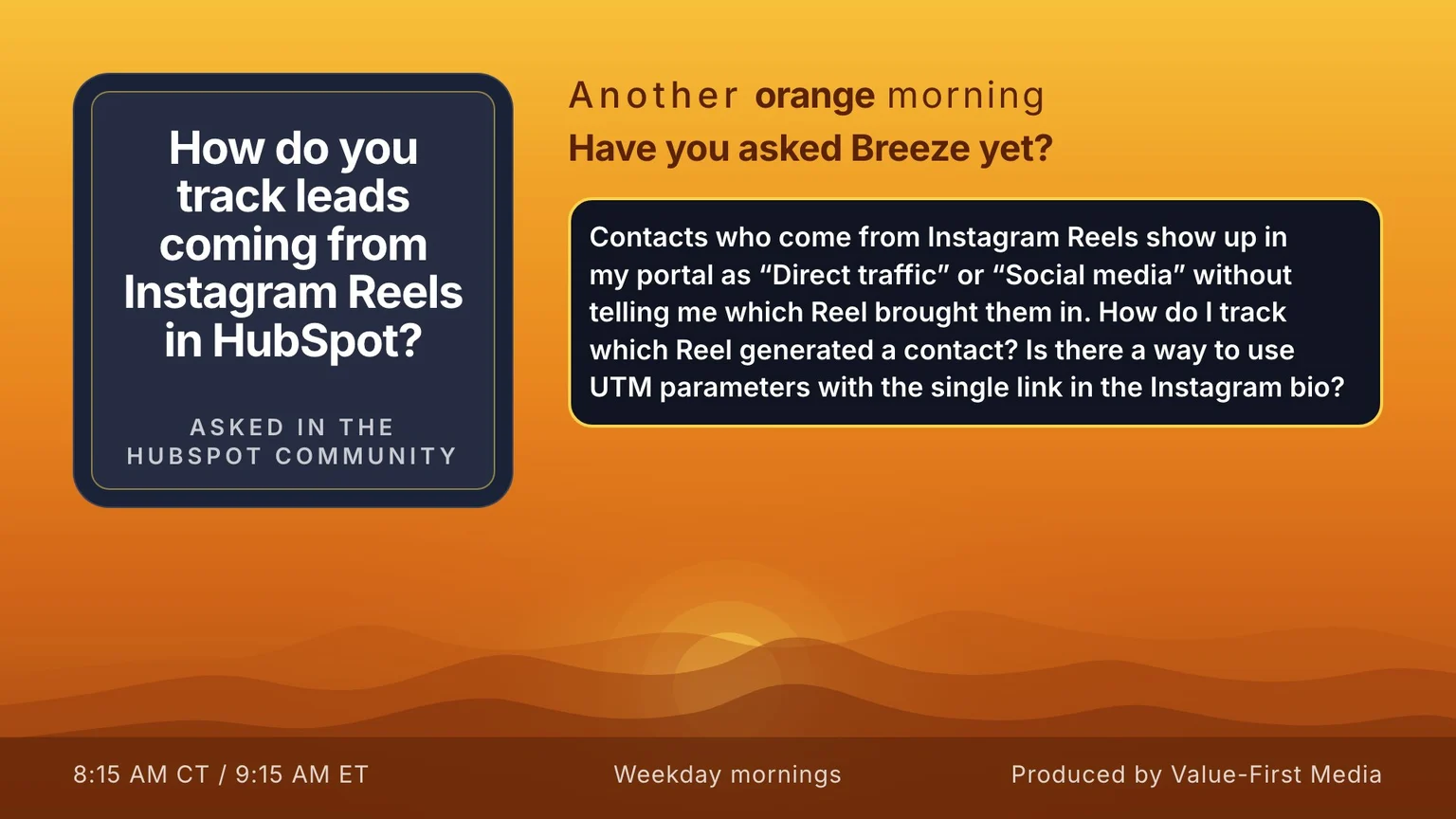
How do you track leads coming from Instagram Reels in HubSpot?
Monday, November 23, 2026 · Read that morning's recap · 6:58
- Who drove it
- Chris Carolan
- Friends on the show
- Joshua Oakes
The one thing to take away
“So chillax a little bit on individual reel attribution.”
Run it in your own portal
Copy it, paste it into Breeze in your HubSpot portal, and keep going past the first answer. The conversation is the point.
Contacts who come from Instagram Reels show up in my portal as “Direct traffic” or “Social media” without telling me which Reel brought them in. How do I track which Reel generated a contact? Is there a way to use UTM parameters with the single link in the Instagram bio?
On Nov 23, 2026, 00:41:44 into the show, Chris Carolan ran a real question asked in the HubSpot Community on Nov 14, 2026. Read the thread (opens in a new tab)
If Breeze hands you a number, ask it to back that up before you use it.
“Or explain that or are you sure about that? Those are all very good questions to ask.”
Have you asked Breeze yet?
On the show we put real questions to Breeze live, built by the wheel or brought by one of us, and see where the conversation goes. The Breeze page has the habit we’ve learned from it: ask first, then follow up.