
Contact email logging rules: New option to "Create new contacts from logged emails"
Thursday, October 29, 2026
What it is
A new Contact email logging rules setting option that automatically creates new CRM contacts from incoming emails to connected personal accounts.
Why it matters
Previously, personal connected email accounts could only log emails from existing contacts. If your team wants every inbound email to create a contact record automatically, this setting makes that possible. This behavior was previously only available in Service Hub via team email channels connected to the Inbox or Help Desk.
The Take
Does this activate HubSpot as a full inbox?
This is a setting, and it's the kind you should think about before you flip it. Contact email logging rules has a new option, Create new contacts from logged emails. Per the panel it automatically creates a new CRM contact from incoming emails to connected personal accounts. It's live, all hubs and tiers.
What changed, per the panel: personal connected email accounts could only log emails from existing contacts before. Creating contacts from inbound email was something only Service Hub did, through team email channels connected to the Inbox or Help Desk. Now a personal account can do it too.
The caution came from the table. Trisha's point was that if you don't get the logging rules right, every cold “I can SEO your website” email ends up in your CRM. Casey added that it might add a lot of people you might not want. My rule of thumb was that if one in ten of them is a contact you care about, turn it on. Trisha put the other side plainly: “here's one area where I would say don't just turn it on, like, spend five minutes thinking about this.” I agree with both of them. A record for every sender is a record, not an Interest. Decide which inbound is a person moving toward you before the setting decides for you.
The bigger idea for me is the inbox. I asked it on air: does this activate HubSpot as a full inbox? If contacts get created from one-to-one email, then the email index page starts to work as a primary inbox, and “I don't think most people even know that email's index page exists.” It also means you can “trigger lots of workflows now off of one-to-one emails,” which is exactly why the five minutes matter. Check every workflow that enrolls on contact creation first. The idea came back during Will It Breeze, when I tied missing contact associations back to the inbox.
What to do: open your Contact email logging rules, decide which connected accounts should create contacts, and list the workflows that fire on a new contact before you turn the option on. If most of what lands in your inbox is noise, leave it off.
Watch Us Discuss This
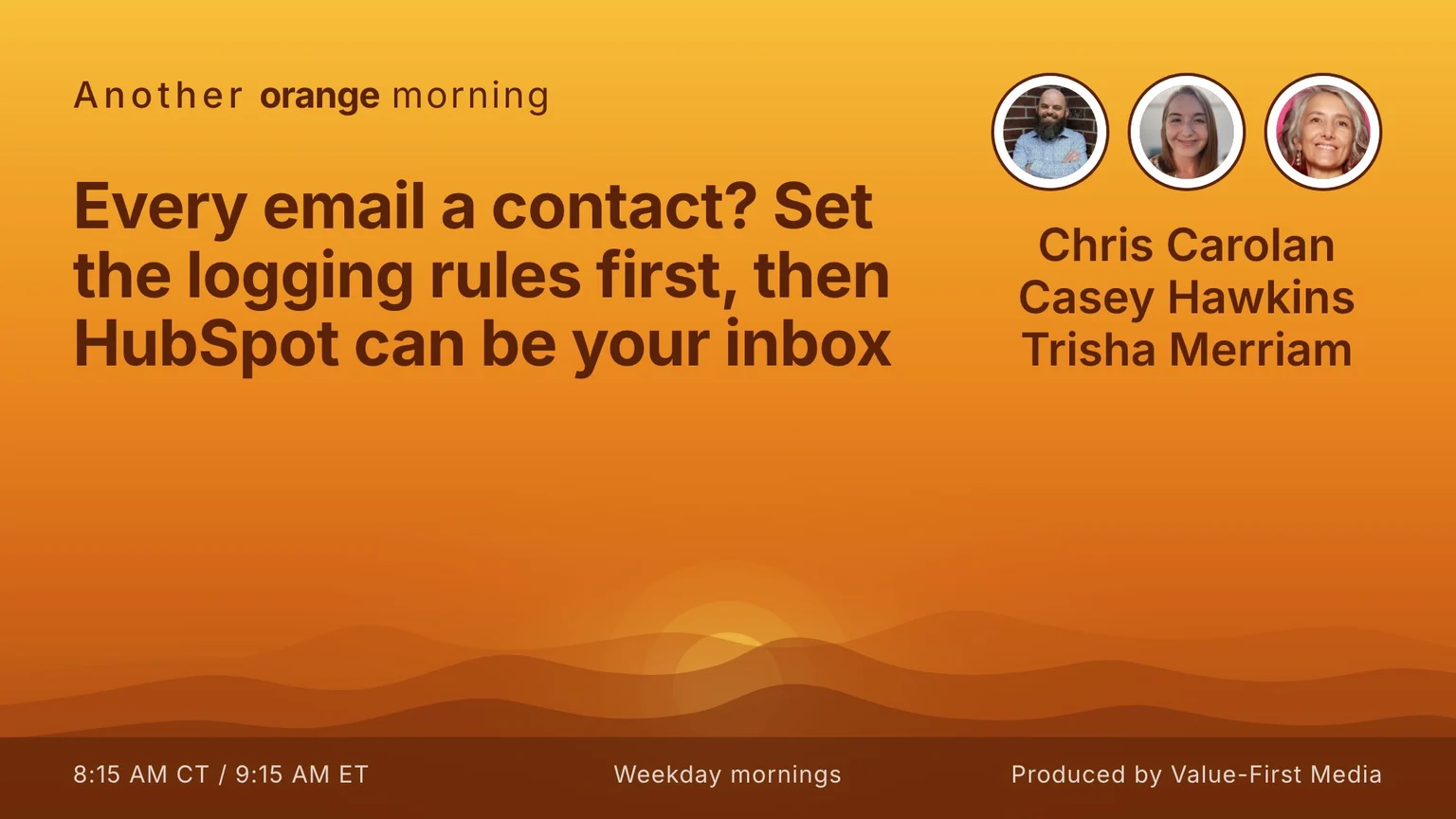
The full segment from the show, us working through this update start to finish.
FAQ
What shipped?
Per the panel, a new Contact email logging rules option, Create new contacts from logged emails, automatically creates new CRM contacts from incoming emails to connected personal accounts.
What was different before?
Per the panel, personal connected email accounts could only log emails from existing contacts. Creating contacts from inbound email was previously only available in Service Hub via team email channels connected to the Inbox or Help Desk.
Who gets it, and should I turn it on?
All hubs and tiers, and the panel lists it as live. On air the hosts' advice was to spend five minutes on your logging rules and on the workflows that fire on new contacts before turning it on, because it can add people you don't want.
Produced by Value-First Media