
Create social posts using Content Agent in Breeze Assistant
Wednesday, November 4, 2026
What it is
This beta updates the social post creation capabilities of our new content agent. Content agent launched at UNBOUND 2026 and creates LinkedIn posts in one step, along with other content formats. The Social Content Agent has moved to Breeze Assistant. Along with this move, we have introduced the following capabilities: Support for Facebook post creation; Support for bulk creation: plan a series of posts from a piece of starter content or a recommendation and generate drafts at scale; Conversational UI to edit posts before saving as drafts. The Social Content Agent creates LinkedIn and Facebook posts in your brand's style. We generate images using your company's own templates, and we ensure every post avoids both common and uncommon AI-tropes and adheres to industry best practice - ensuring you are creating the most performant content possible.
Why it matters
Setting up a custom agent takes time - and even after you've properly configured your agent with brand context, it often produces AI-sounding content. Furthermore, AI agents have no sense of how networks reward or penalize certain decisions - from links in the post body, the time you decide to publish the content, and more. The Social Content Agent nails your voice on Day 1, no setup required and creates the most performant content based on learnings from millions of social posts.
The Take
Before you hit that bulk button, double check the credits.
Per the panel, the Social Content Agent has moved into Breeze Assistant and is now a public beta. Content agent launched at UNBOUND 2026 and made LinkedIn posts in one step. New with the move: Facebook post creation, bulk creation that plans a series of posts from a piece of starter content or a recommendation, and a conversational editor to adjust posts before you save them as drafts. The panel also says it generates images from your company's own templates.
Chris read the whole panel from Casey's screen, because the page would not open on his, and then did what an operator does with a promise. “We ensure” every post avoids common and uncommon AI tropes is a line he would not sign. “Don't ensure… come on, that's a promise you can't keep.” His reasoning: some industry best practices turn into tropes very quickly, and you are asking AI to speak from your business, so the question is whether you have set up the context behind the posts. Zach brought the sharper frame. He read Dharmesh's recent post on what Dharmesh calls AI foam, the stuff from smart people that is clearly AI-generated and lacks their usual point of view. Zach's point: it is not just clicking the button, it is the work of giving it context.
Casey read the other claim from the panel, that it nails your voice on day one with no setup required, and she and Chris answered it together: “Sounds like a no brainer. Open and shut case.” Chris called them strong words.
Then the credits. Chris checked the knowledge base and found a line linking to the catalog. Per the catalog line read on air, Content Agent generating one piece of content is 1,000 credits, and he did not verify it against the live catalog; he hoped Breeze means no credits for this, and the page does not say either way. Zach's guess is that eventually everything uses a credit. So Chris's rule: “Before you hit that bulk button, double check the credits.”
His closing question connects to his AI Ted talk from the Breeze Research update. Are you clear on your own voice? If the first post does not sound like you, turn your attention to the context Breeze works from for your business, so the next ones do. He said Breeze can help you build that now.
What to do: join the beta and run a single post first. Compare it to your own writing, then fix the context before you ask for a series. Check the credits before you use bulk creation. If you do not have Marketing Hub Professional or Enterprise, or you are not posting to LinkedIn or Facebook, you can skip it.
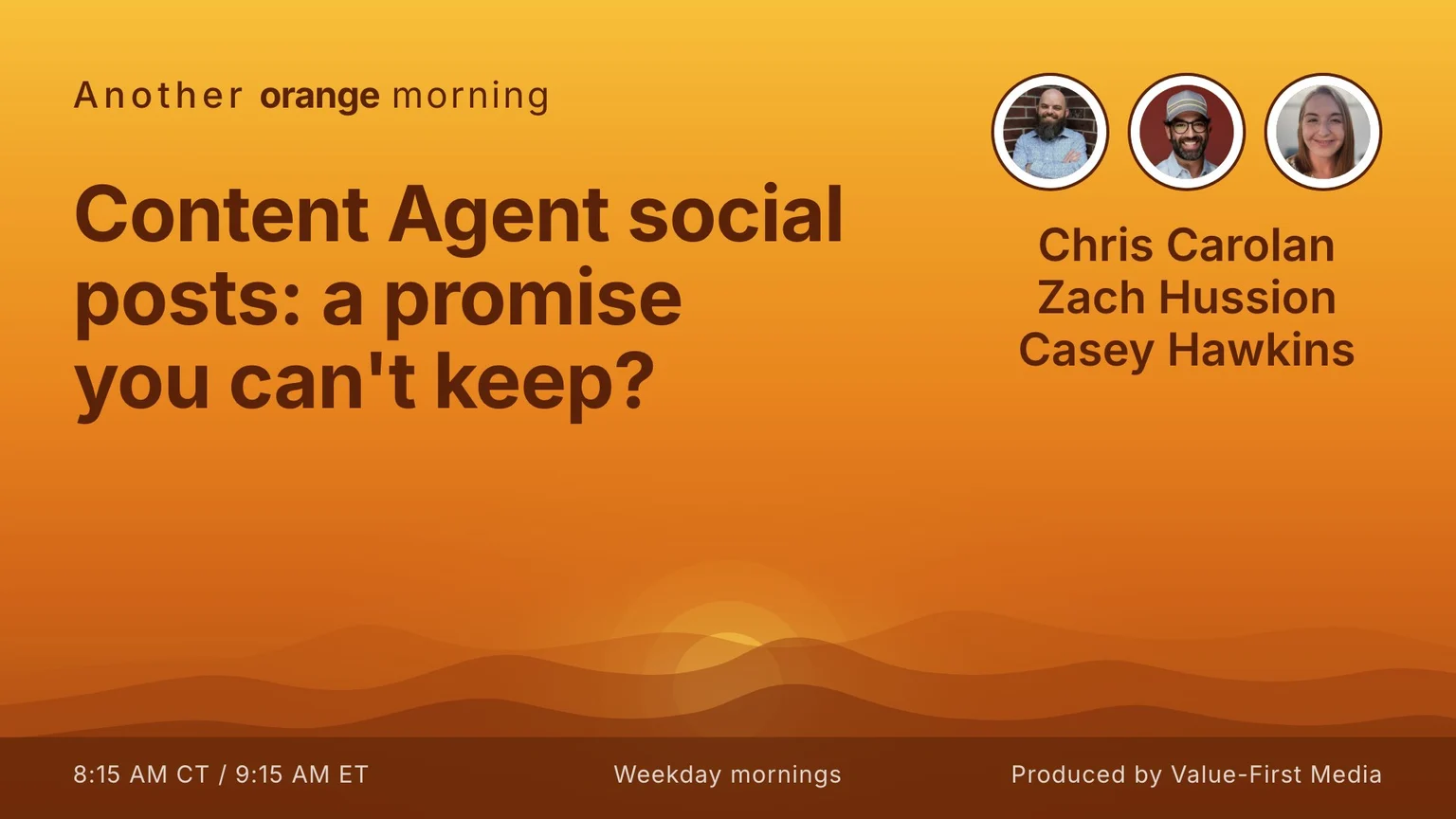
Watch Us Discuss This
The full segment from the show, us working through this update start to finish.
FAQ
What changed?
Per the panel, the Social Content Agent moved to Breeze Assistant and now supports Facebook post creation, bulk creation from a piece of starter content or a recommendation, and a conversational UI to edit posts before saving as drafts. It was previously a private beta and is now a public beta.
Who gets it?
The record lists Marketing Hub Professional and Enterprise.
Does it use credits?
The panel does not say. On air, Chris found a catalog link from the knowledge base and read a line that Content Agent generating one piece of content is 1,000 credits. He did not verify it against the live catalog, so check before you run bulk creation.
Does it really avoid AI tropes and nail your voice on day one?
That is HubSpot's claim in the panel. Chris called the 'we ensure' line a promise you can't keep and joined the beta anyway, taking it with a grain of salt. Zach, reading Dharmesh's post on AI foam, pointed out that giving the tool context is the real work.
What should you do first?
Run one post, see whether it sounds like you, and fix the context Breeze works from before you ask for a series.
Produced by Value-First Media