
CRM Calendar View: Usability enhancements and new settings
Tuesday, November 10, 2026
What it is
The CRM calendar view has many recent updates, long-requested enhancements that let users configure the start and end date properties that power the view, including custom date properties. You can view multi-day events, reschedule events or change their duration with drag and drop on the calendar, schedule events that are missing dates by dragging them from the left panel onto the calendar, create new records at a specific date and time by clicking the calendar, display up to three properties on each calendar event, and expand or collapse the left panel. The view has also been modernized and visually updated.
Why it matters
This release addresses several of the top feature requests for the calendar view since its initial release. It gives users and teams a more customizable and flexible calendar view, so they can work more efficiently day to day as they visualize, schedule and track their events.
The Take
Pro tip for any coaches, consultants, builders out there trying to help folks buy in to HubSpot, show them the calendar view.
Per the panel, the CRM calendar view got a set of long-requested changes. You choose the start and end date properties that power the view, custom date properties included. Multi-day events show. You can drag to reschedule or change duration, drag records missing dates from the left panel onto the calendar, click the calendar to create a record at a date and time, show up to three properties on each event, and collapse the left panel. It is live for Starter, Professional and Enterprise. Last week we talked about Gantt view, and this is the same part of the CRM index area, getting better every day.
Ryan and I had a client call this morning that is going to benefit from this. Ryan reacted first: the whole drag and drop from the left side into the calendar is just really nice.
What struck me is how much of our conversation this morning was about how much you build before you let it go to a team. Traditionally that conversation is about how burdensome it is and whether everybody understands how the system works. To make a calendar useful, you would have had to understand all the dates first, which meant you could not build anything that might support records without dates, because then the calendar is not useful. Now you can pick the moments when data entry or creation of the thing makes sense, get it in the CRM, and let the other context and the AI start helping to push it forward. And you do not have to choose where the work gets done anymore. It is okay to have some place that is very quick to add the calendar event, with the ability to link back to something like this so you have all the context you need to do more.
A lot of those conversations get into the how way too quickly, and it overwhelms everybody. They say just give me a button, and then you give them the process without any other context, and it takes them back into spreadsheets. I think this is huge, because lots of stuff in the CRM revolves around a calendar.
Ryan took it a step further for the Unified Revenue View work: booked, billed, invoiced, and you can have four calendars for each of those dates. That pairs well with last week's Gantt view. Flip over to Gantt, flip over to Kanban, and decide which view makes sense for the person. If I need to see a calendar I likely do not need to see down to the minute. This is the kind of thing why project management systems were built, going from granular down to the minute up to an annual calendar, all synced. We can do that in HubSpot now.
One more, for the coaches and consultants: pro tip for anybody trying to help folks buy in to HubSpot, show them the calendar view. Everybody knows what a calendar view looks like in Google. It is one of those moments where it is not such a foreign space, there are things I know in here, so let me learn more. Finding moments like that was something I learned this year.
What to do: if you have an object with a date that matters (a project, a renewal, an event), set the start and end properties on its calendar view this week and try dragging an undated record onto it. If your team does not schedule anything in HubSpot, skip it knowingly.
Watch Us Discuss This
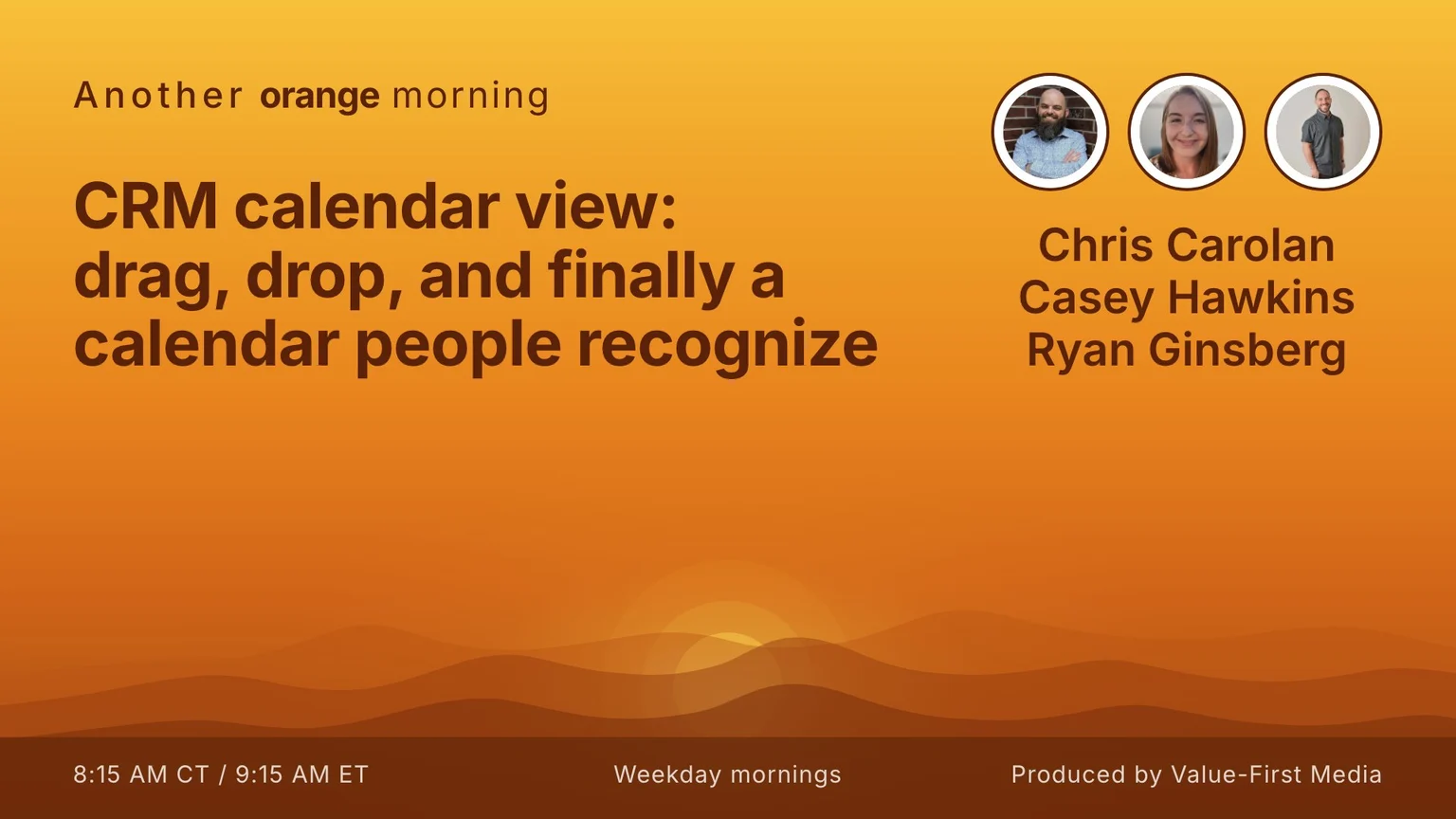
The full segment from the show, us working through this update start to finish.
FAQ
What shipped?
Per the panel, updates to the CRM calendar view: configurable start and end date properties (including custom date properties), multi-day events, drag-and-drop rescheduling and duration changes, dragging undated records from the left panel onto the calendar, creating records by clicking the calendar, up to three properties on each event, a collapsible left panel and a modernized look.
Who gets it?
Per the release list, Starter, Professional and Enterprise. It is live.
Why does it matter?
Per the panel, it addresses several of the top feature requests since the calendar view's initial release and gives users and teams a more customizable and flexible view for scheduling and tracking events.
How do the hosts see it fitting with the Gantt view?
Chris said last week's Gantt view and this calendar go together: flip over to Gantt or to Kanban depending on what view makes sense for the person. Ryan's example for Unified Revenue View was booked, billed and invoiced, with a calendar for each of those dates.
What is Chris's pro tip?
If you are a coach, consultant or builder helping people buy in to HubSpot, show them the calendar view. Everybody knows what a calendar view looks like in Google, so it is not a foreign space.
Produced by Value-First Media