
Expand MAM Reports to Custom Objects V1
Wednesday, November 11, 2026
What it is
You can now include custom objects in Multi-Account Reporting, allowing you to create cross-account reports that combine custom object data from multiple HubSpot accounts.
Why it matters
If you use custom objects to model unique business data and processes in HubSpot, this update gives you greater visibility across your organization. You can now analyze data from custom objects in a cross-account report.
The Take
I'm working with a private equity firm. One of their portfolio companies has six business units … all acquired companies that all operate independently. … I knew that custom objects was going to be a limitation for that.
MAM here means Multi-Account Management, and the feature is Multi-Account Reporting. Per the panel, you can now include custom objects in Multi-Account Reporting, so one cross-account report can combine custom object data from multiple HubSpot accounts. The panel names the audience as all Multi-Account Management current and eligible customers. It does not name a tier, so check your own plan before you count on it. It is live.
The title threw the table. Chris said he did not know what this version of MAM meant, and I said I did not either. Once he read it out, I got it: oh, multi-account reporting. Oh, cool. I said it was perfect timing.
Casey read the Why and asked me why it matters to me. It matters to me because I am working with a private equity firm. One of their portfolio companies has six business units underneath it, all acquired companies that all operate independently. The ask is for us to bring all six teams onto HubSpot next year and roll all the reporting up to the parent portal. I thought, great, we can do it, but I knew custom objects was going to be a limitation for that. Now you can do it. It is not like we do not have the work, but this will be something I will be talking about in order to help get it.
What to do: if you run several HubSpot accounts that roll up to a parent and any of them model your business in custom objects, list which custom objects you would need in a cross-account report and confirm you are on Multi-Account Management. If you have one account, or your custom objects never need to be compared across accounts, skip it knowingly.
Watch Us Discuss This
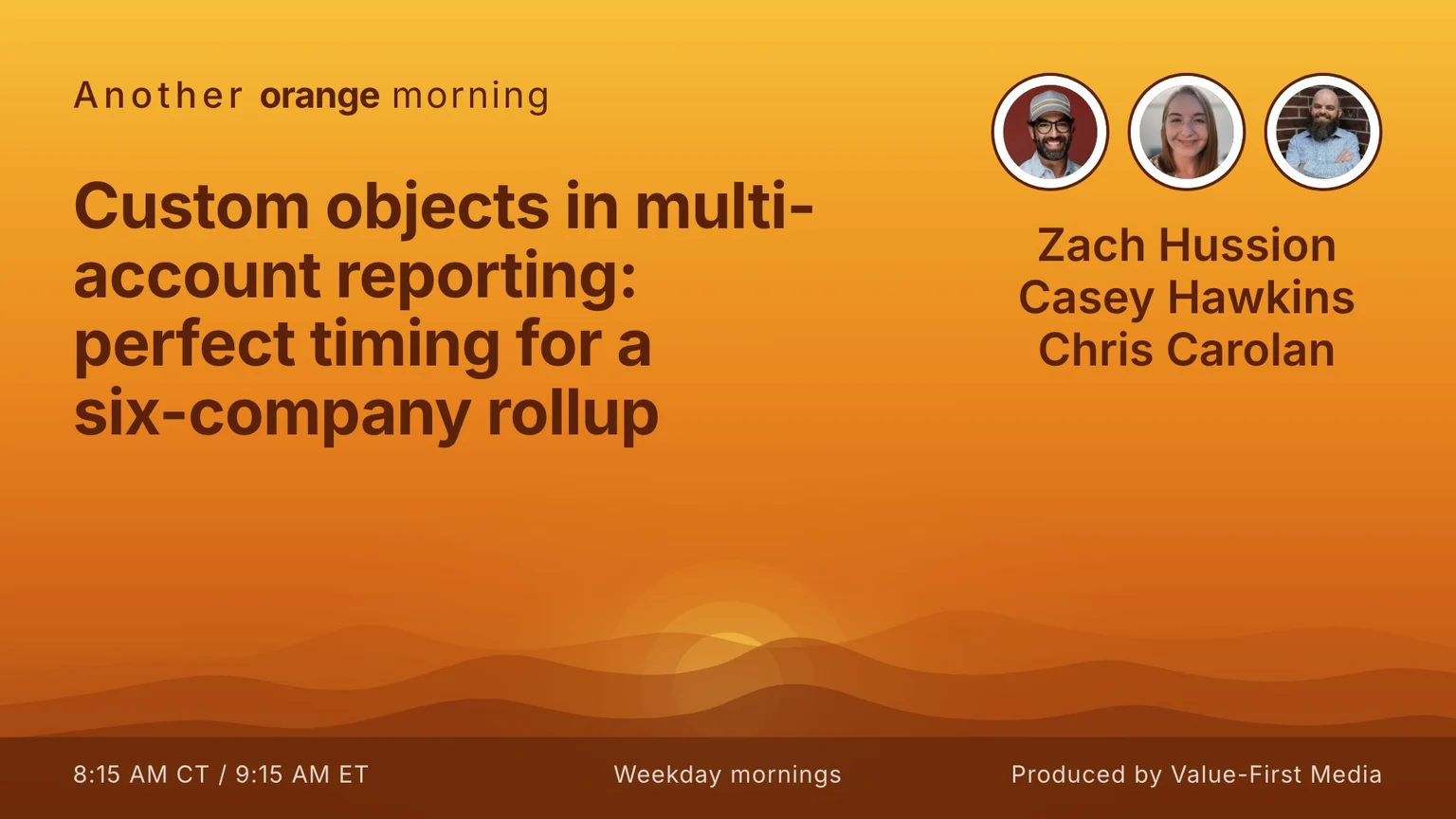
The full segment from the show, us working through this update start to finish.
FAQ
What does MAM stand for?
Multi-Account Management. The feature in this update is Multi-Account Reporting. The hosts did not recognize MAM from the title alone; Zach worked it out once Chris read the panel.
What shipped?
Per the panel, custom objects can now be included in Multi-Account Reporting, so you can build cross-account reports that combine custom object data from multiple HubSpot accounts.
Who gets it?
Per the panel, all Multi-Account Management current and eligible customers. The panel does not name a tier. It is live.
Why does it matter?
Per the panel, if you use custom objects to model unique business data and processes, you get greater visibility across your organization, because that data can now appear in a cross-account report.
What was Zach's case for it?
He is working with a private equity firm whose portfolio company has six independently operating business units, all acquired. The plan is to bring the six teams onto HubSpot next year and roll the reporting up to the parent portal. He knew custom objects would be a limitation, and this update removes it.
Produced by Value-First Media