
From the show
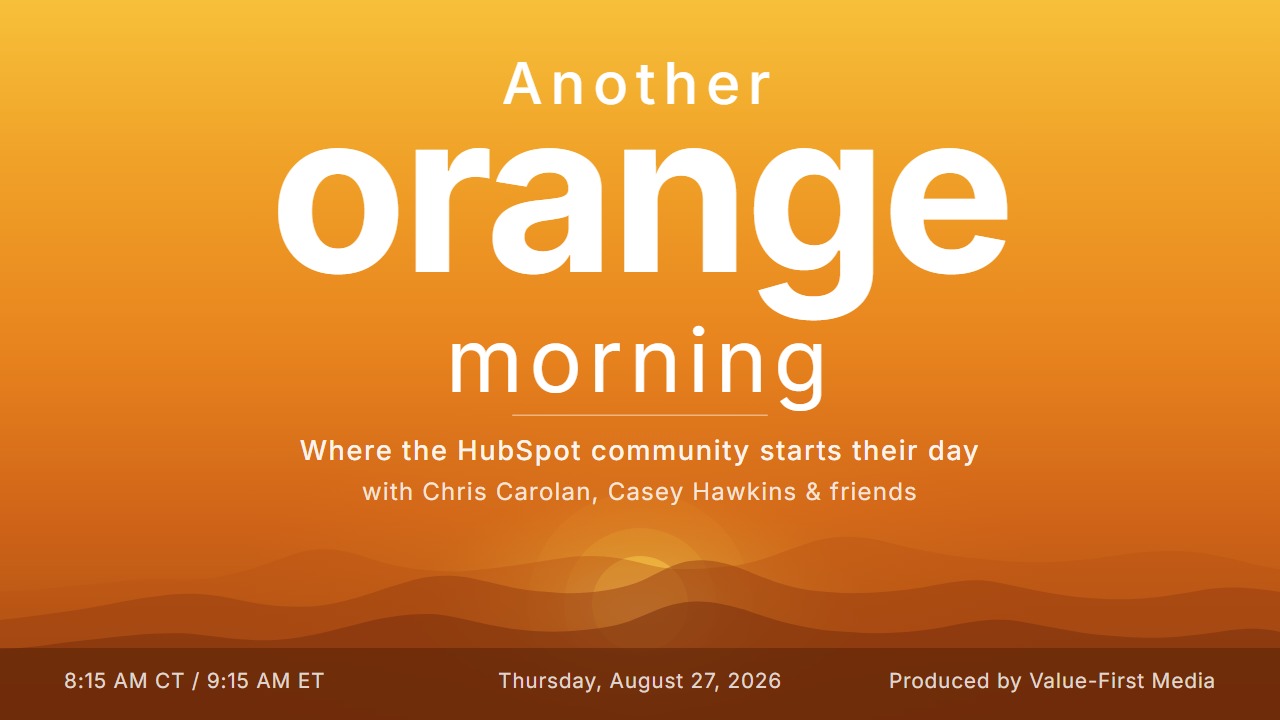
Another Orange Morning Recap: August 27, 2026
Thursday's show opened on a beach bar. Casey Hawkins hosted her second in-person DMV HUG the night before, eight people showed up, and that was exactly enough to clear the attendance bar for reimbursement. Then the room turned to two days of stacked HubSpot releases, because Wednesday's show did not happen and pre-Unbound season is clearly underway.
Here is what we got into: custom metrics on Global Home and whether anyone actually starts their day there, quote approvals inside Breeze Assistant, a mobile release run big enough to raise the question of leaving a laptop at home, intent signals arriving in your own language, a workflow action that quietly retires a pile of custom builds, spreadsheet behavior on the CRM index page, and a Will It Breeze segment that turned into a lesson about prompting.
A HUG at a Beach Bar, and a Workshop in September
Casey hosts two HUGs, the DMV group local to her and the virtual Women of HubSpot group. The in-person one landed at a spot about forty five minutes out that she had never been to, and most of the value was the part that has nothing to do with HubSpot. Almost everyone there works virtually, so the point was getting people who do similar work into the same room for a couple of hours.
September looks different. She is running a learn and launch on the prospecting agent in DC, in an actual office building, which she noted is a change from her recent pattern of asking people if they want to meet her at a bar. Unbound planning ran underneath the whole episode. Casey has her ideal agenda finished and weighted toward prospecting agent sessions, and Chris Carolan pointed out there are credits available in the Value First portal for anyone who wants practice before they get there.
Two Days of Releases in One Show
Skipping Wednesday meant Thursday carried the backlog. The hosts worked it as a ping-pong pick, each one handing the next update to someone else rather than reading down a list, with Trisha Merriam on for the day.
Custom Metrics on Global Home
Trisha opened the run with this one. The Global Home widget now supports metrics built from custom properties, metrics built with formulas, and central admin tools for viewing, editing and deleting all of them from one screen. The formula piece drew the most interest in the room, because conversion rate has been one of the harder numbers to get out of HubSpot natively, and putting it on the screen a paid media team sees every morning is a real change.
The conversation then moved past the feature into the harder question underneath it. Global Home improves the more people engage with it, because the intelligence behind it needs the engagement. But nothing in a normal day sends anyone there yet. People pick a homepage out of habit, or they are annoyed that a screen stands between them and the record they came for. One host raised a client CMO who may not open the portal at all now that her team is building skills and connections inside Claude, which is a fair description of what this screen is actually competing with.
Why it matters: If your team already has a homepage habit, build the formula metrics now, starting with whatever has been painful to report on. If your team scatters across contacts, deals and a dozen other entry points, this update by itself will not change that. Worth watching, not worth forcing.
For more details: custom metrics on Global Home.
Breeze Assistant: Quote Approval Actions
Chris handed this one to Casey on the grounds that it was right up her alley, and it was. Quote approvers in Revenue Hub Professional and Enterprise can now ask Breeze Assistant which quotes are waiting on them, review the details, and approve or request changes without leaving the page they are on.
Casey had spent that same morning with a client building the manual version of this: index views, a time of day to check each one, a queue so nothing falls through. The test she set for the update was whether it survives contact with real context. Asking Breeze which quotes are pending does not help much if the answer sends you off to a different record to figure out whether to approve them.
Why it matters: If you run Revenue Hub and do quotes in HubSpot, ask it once this week. Treat it as a test rather than a rollout. If it gives you enough to act on, the review-queue setup you built by hand can probably come down.
For more details: Breeze Assistant quote approval actions.
Breeze Enhanced Search on Mobile
Trisha picked this one and handed it straight to Casey, noting that Casey tends to pick things for her audience and that there are Android people out here too. Breeze and Global Search now share a single mobile entry point, so instead of deciding up front whether you are looking up a record or asking a question, you start typing and the app sorts out which one you meant. It reached iPhone first, with Android close behind.
The interesting part is behavioral. The goal is for ask to replace search as the reflex, and the room made the case well: most of the time you do not know the exact name of the thing you want, and traditional search punishes that. Get a word wrong, get a naming convention wrong, and you come up empty and frustrated. An ask interface does not care. That opens a door on what you can leave behind, which is how the conversation got to Casey floating the idea of going laptop-free for parts of Unbound and betting her phone covers it.
Why it matters: Worth trying this week if your team works from their phones. Android and iPhone are on equal footing now, so there is no reason to wait for parity.
For more details: Breeze Enhanced Search on mobile.
The Rest of the Mobile Run
The mobile releases kept coming, enough that the room started reading them off the screen in a row. The HubSpot mobile app redesign brings every screen onto the updated design system, with better dark mode, which matters more than it sounds given how many people live in dark mode. The new mobile home screen for sales reps is built around an Action Feed where each card carries one bounded next step. And Projects in Breeze Assistant on mobile means the workspaces that hold your shared instructions and knowledge travel with you, though creating and editing them stays on desktop.
Create and Iterate on Documents in Breeze Assistant Mobile
This is the one that got the biggest reaction. Breeze Assistant on mobile can now produce real artifacts, meaning documents, email drafts and custom HTML pages, in a dedicated space you open from a card in the chat. You can save them, export as PDF, and share them, and an email draft loads into your phone's native mail experience so you can proofread and send without leaving the app.
The custom HTML pages line stopped the room. Someone asked whether that meant you could sit in a session at Unbound and build a landing page on the fly, and the answer was close enough to yes. Pretty much anything Breeze creates that is not a report or another native HubSpot asset comes out as Markdown, HTML or PDF. The real gain is continuity: you can move between phone and desktop inside the same conversation instead of taking notes somewhere random and filing them later.
Why it matters: Worth exploring this week if you already use Breeze Assistant for drafts and one-off pages. If you have never built a document with Breeze on desktop, start there first.
For more details: documents in Breeze Assistant mobile.
Intent Signals in Your Language
Portals configured in a language other than English can now receive signal names, descriptions and metadata in that language, for the whole team, behind a single toggle in signal settings. Every signal that fires after you turn it on inherits the portal language from then on.
The take from the room was that nobody is going to feel this one ship, and that is the point. Scanning the web for signals and translating what comes back is quiet work that removes a step between a rep and the person worth talking to. There was also real curiosity about how the translated versions read, given that signals often come from social posts where people have fun with whatever language they are speaking that day.
Why it matters: If your portal runs in another language, flip the toggle. If it does not, this one does not touch you, and skipping it knowingly is the right call.
For more details: intent signals in your language.
Copy Associations via Workflows
The biggest one of the day, and Casey noted she will never understand how it shipped without a major update tag. A workflow can now create an association between two records based on a record they are both already connected to. A company is associated to both a deal and a contact, the deal and contact were never linked, and the workflow bridges them. Until now, workflows could only associate records that shared a matching property value.
Casey had talked to Maggie, one of the product managers, the day before and heard it was coming. Her first reaction was excitement, and her second was that she now has workflows to undo. She had built the same outcome by hand with four separate fields and at least two workflows, and it is one action now. She also has a live client case she is not sure about yet: a renewal process built on a project object, where a hundred renewal projects get recreated every year and dozens of associated contacts carry specific role labels that would need to come along. She thinks this might finally do it. She has not tested it.
The warning came out of the room clearly. This is a handle with great care workflow. HubSpot's own example calls out the risk, which is associating a deal to a pile of contacts that have no business being on it, and the thing telling the difference is usually an association label.
Why it matters: If you have been solving this by hand, this is worth testing this week, one workflow at a time and on a narrow case first. It is Private Beta, so access is not universal yet.
For more details: copy associations via workflows.
Cell Selection on CRM Index Pages
The title alone got a reaction in the room, which is fair. Cell selection brings spreadsheet behavior to the CRM index table. Instead of being limited to a whole column or a whole record, you select a specific range of cells across rows and columns, then copy that range out or bulk-edit only what you selected.
The use case that landed was smaller than a mass owner reassignment, and better for it. A salesperson reviewing the calls they made today, picking out the three that went one way and the two that went another, and editing just those. That is the gap the existing tools do not cover well: everything is on the screen, you want ten of the rows in one column, and today your options are select-all-then-deselect or building a filter that isolates exactly the right set across a few pages.
Why it matters: Useful this week if your team lives in index tables for daily review work. It does not replace true bulk operations, and it is not meant to.
For more details: cell selection on CRM index pages.
Will It Breeze: Sales Documents and a Duplicate That Was Not There
The segment took two rerolls before it landed on something workable. Carts came up first, which nobody had, then snippets, then a combination the room could actually use: the scope was automation already built, the app was documents, and the business outcome was finding the duplicate hiding in there.
Breeze answered a different question than the one being asked. It explained what the sales documents app does and whether it fits the existing automation, which is a real answer to a prompt about capability and no answer at all to a prompt about duplicates. The room caught the ambiguity in their own framing, because a duplicate document and the same document sent to a buyer twice are two different problems, and only one of them is a duplicate.
The fix was to stop prompting and start talking. Rephrased as a plain sentence about wanting the sales team to always have the right version so they do not send the wrong one to a buyer, Breeze came back with something usable: keep one canonical document and re-upload new versions to that same entry rather than creating a new one, and manage sharing so only the right teams can reach specific documents. Which quietly revealed the actual process problem, that people are adding new documents instead of re-uploading.
The takeaway the hosts landed on was about the operator rather than the product. Will It Breeze keeps turning into a test of whether you know how to have a conversation with Breeze. That theme ran through the whole episode, to the point that someone suggested adding a counter for how many times per show the advice is talk to Breeze Assistant.
The Rest of the Week's Updates
Thursday's other releases covered account cleanup and governance more than anything else. An AI filing agent for segments suggests how to organize unfiled segments into folders, cleanup automation can now delete unused marketing email drafts rather than archiving them, and a new create views permission lets admins control who can add views to CRM index pages. On the commerce side, you can lock a contact's email on a form redirect to a payment link so the buyer cannot overwrite it and mint a second contact. The ChatGPT connector expanded to match recent MCP additions, and Help Desk picked up an omnichannel waitlist that holds and prioritizes tickets when the team is at capacity.
Wednesday, which the show missed, was heavy on Customer Agent. A new actions library replaces the single-form setup with a searchable catalog of pre-built CRM, Workflows and Shopify actions, and an Action Gap coaching opportunity analyzes conversations to find actions the agent needs but does not have. Batch testing lets admins run the agent against a set of questions before deploying changes, and the source usage report added a source type filter. Elsewhere that day: a centered display option for the chat widget, the customer portal support area becoming Support Space, a dashboard date quick filter redesign, rounded corners and borders in the marketing email editor, a Notetaker email address you can add as a meeting attendee, and password-protected external links for Breeze artifacts. The external meetings API also picked up payment link attach and remove endpoints.
Monday's set leaned into Breeze and admin control. Breeze Assistant got a new look, gained payment link creation, and started surfacing summaries and suggested actions inside Global Search results for deals and companies. Content Agent can now create LinkedIn posts and articles. Customer Agent picked up deployment recommendations, visible crawl sync status, and the ability to qualify anonymous visitors without capturing an email. On the platform side there is app install governance for super admins, copy permissions from one user to another, personalized navigation, a Gemini connector, passkey login for the Outlook add-in, updated report visualizations, Peppol e-invoicing for Belgium and Germany, and rule insights for building scores. Everything else that shipped is in the HubSpot updates feed.
The Sign-Off
You probably already own the value you are looking for in HubSpot. You just need to wake up to it. We will see you tomorrow morning.
Produced by Value-First Media